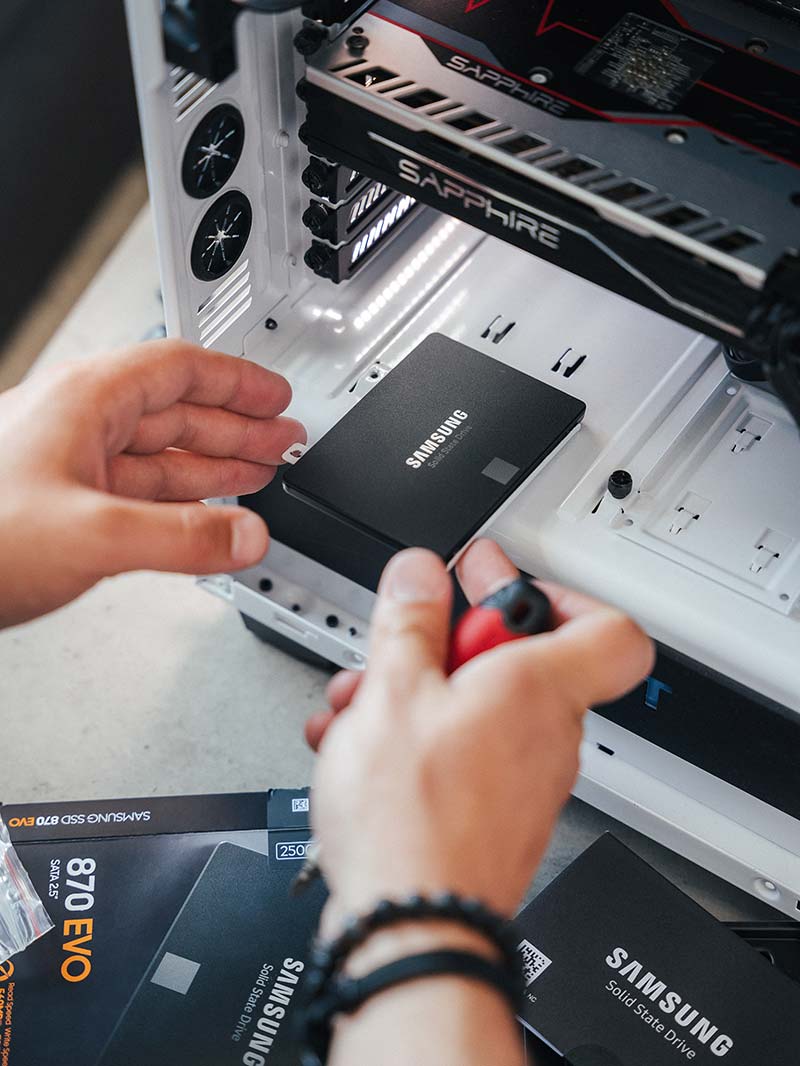
Storage Drives
- Speed and Performance
Upgrading to an SSD from an HDD enhances speed and performance. With faster read/write speeds, you get quicker program loads, file transfers, and reduced boot times.
- Reliability and Durability
SSDs, with no moving parts, are more durable than HDDs. They offer reliability, resisting physical damage and wear, ideal for mobile laptops or high-traffic desktops.
- Increased Storage Capacity
As files grow in size, upgrading your drive provides more storage for documents, media, games, and applications. This is essential for high-storage activities like video editing or 3D modeling.
- NVMe Support
An upgrade to NVMe SSD ensures higher data transfer speeds, provided your motherboard supports it. PCIe lanes used by NVMe drives offer higher bandwidth than traditional SSDs or HDDs connections.
- Quiet Operation
SSDs and NVMe drives, devoid of moving parts, are quieter than HDDs, ideal for a noiseless PC environment.
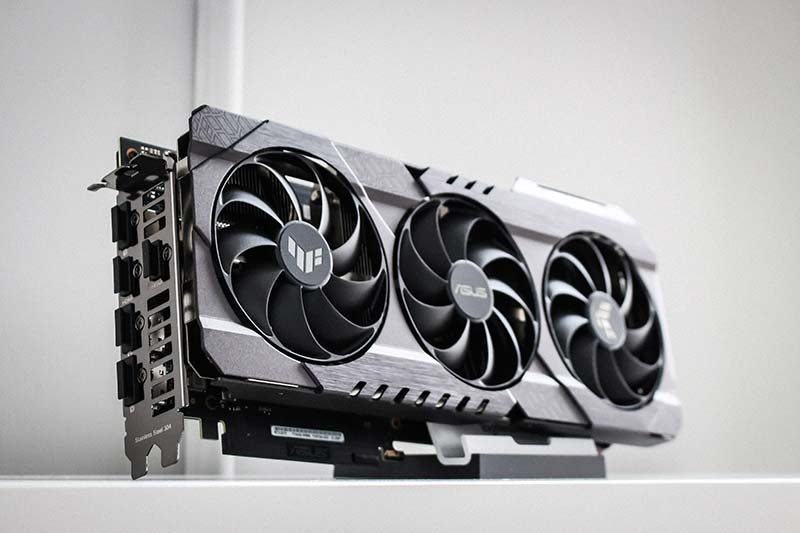
Graphics Card
- Better Graphics and Higher Frame Rates
A superior GPU renders images and video more swiftly, enhancing performance in video games, VR applications, and video editing programs.
- Support for Latest Technologies
Latest GPUs support modern technologies like real-time ray tracing, DLSS, and high-resolution displays, beneficial for advanced graphic designs and current games.
- Efficiency in Parallel Computing Tasks
GPUs, designed for parallel processing, improve performance in tasks like machine learning and scientific computations with an upgrade.
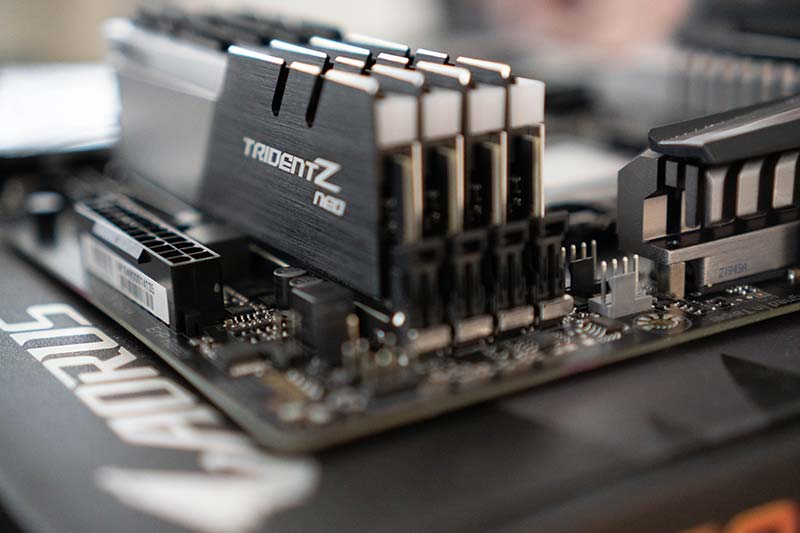
RAM
- Better Multitasking
More RAM lets your computer run multiple applications simultaneously, ideal for frequent program or browser tab switching.
- Faster Data Access
RAM, faster than other storage, accelerates tasks by storing frequently accessed data, reducing the need for slower storage.
- Advanced Application Support
High-end software like video editing and 3D modeling requires ample RAM. If you use such applications, a RAM upgrade is beneficial.
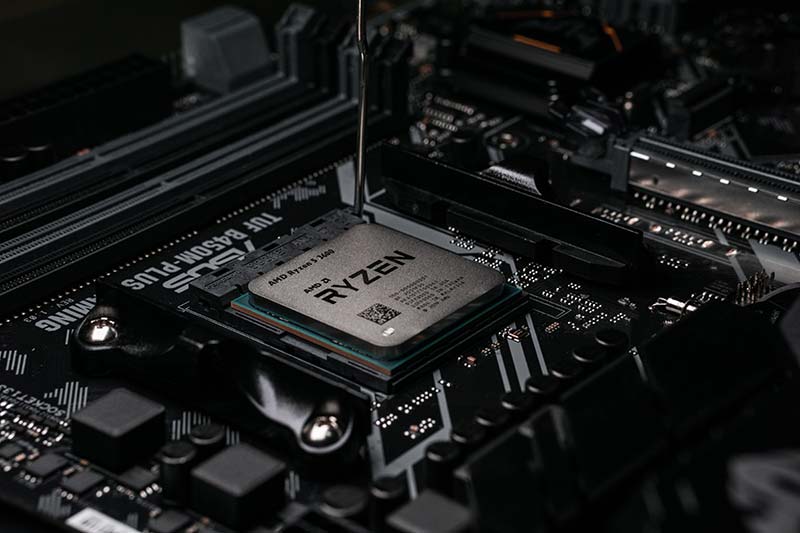
Chipset
- Support for Newer CPU Generations
Newer chipsets often support newer generations of CPUs, which can offer better performance and efficiency. If you're planning to upgrade your CPU, you may need to upgrade your chipset as well.
- Improved I/O Capabilities
An upgraded chipset may support a greater number of USB ports, SATA ports for storage devices, PCIe lanes for graphics cards and other peripherals, and potentially faster speeds on these interfaces.
- Advanced Features
Newer chipsets can offer a wider array of features, such as support for faster RAM speeds, built-in Wi-Fi or Bluetooth, or improved audio and network interfaces.
Case
- Improved Airflow and Cooling
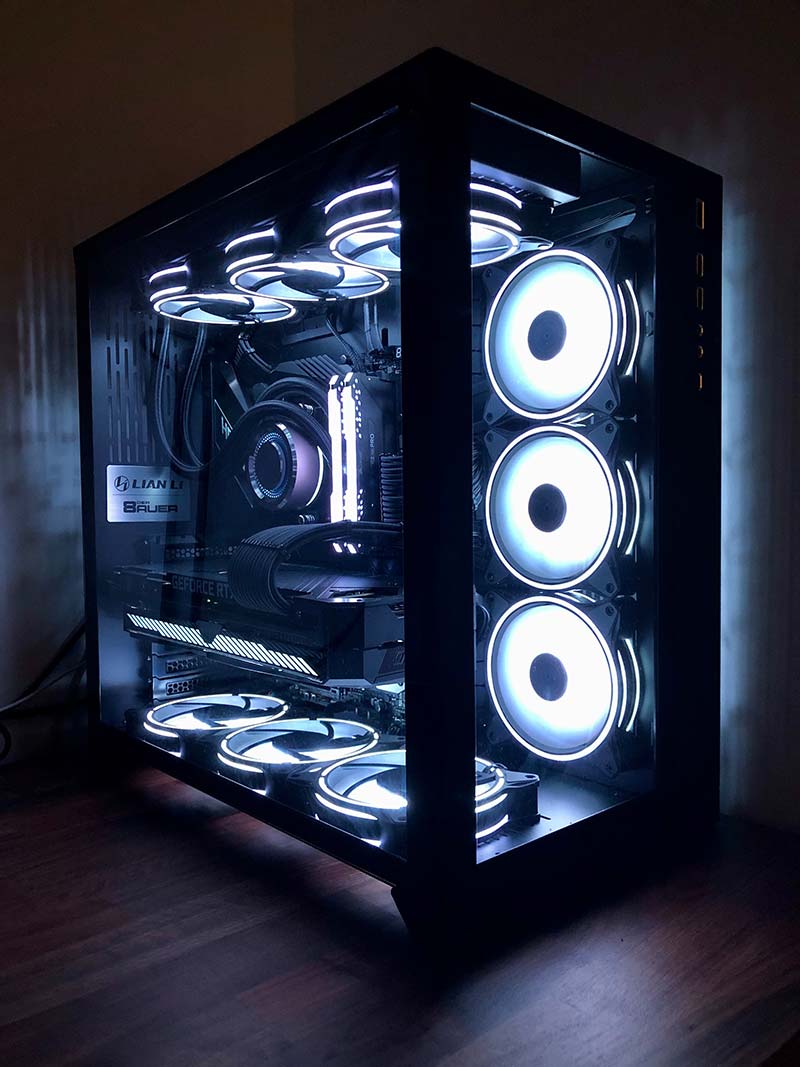
Upgrading to a case with better ventilation and cooling solutions can significantly improve the performance and longevity of your PC components. A cooler system can run at higher speeds for longer and is less likely to suffer from heat-related issues.
- More Space for Components
If you're planning on adding more components (like extra drives, a larger GPU, or additional cooling solutions), a larger case might be necessary. Upgrading your case can give you the space you need for these additions.
- Aesthetics and Noise Reduction
Upgrading your case can also be beneficial from an aesthetic standpoint. Newer cases often offer sleek designs, tempered glass panels, RGB lighting, and noise reduction features. If you value the look and noise level of your setup, a case upgrade might be well worth it.
Full System
- Overall Performance Boost
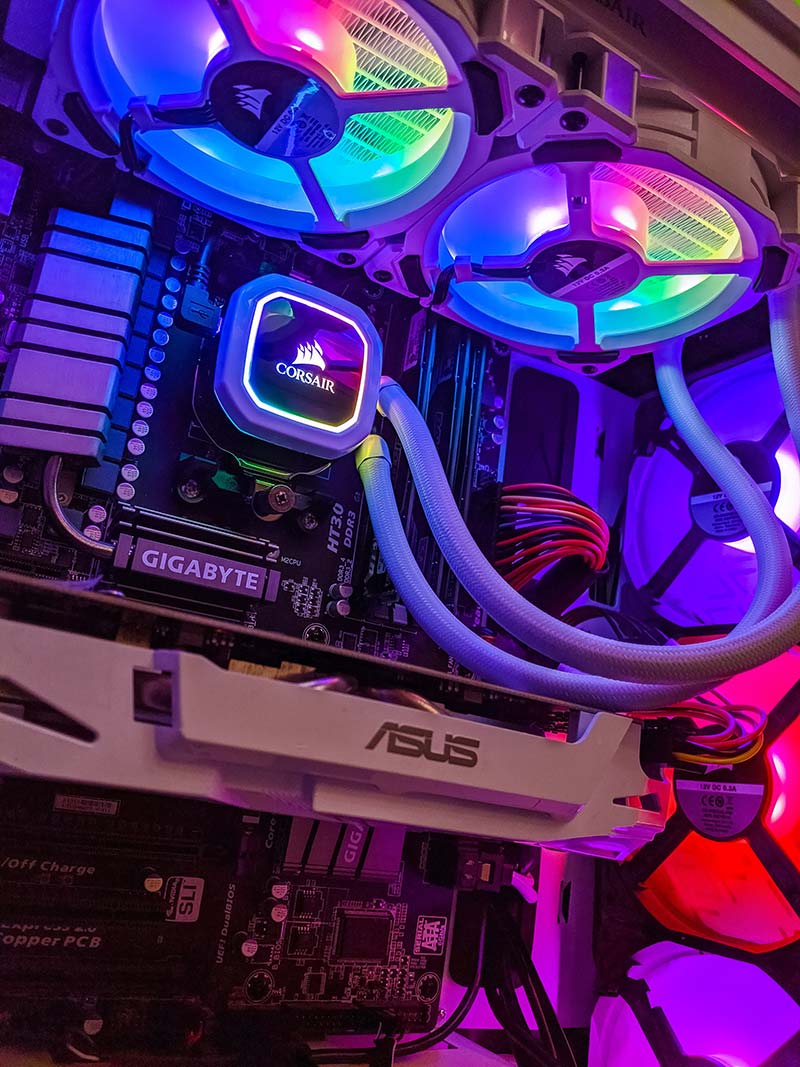
A full upgrade, including GPU, RAM, chipset, case, and storage, boosts your system's performance. More capable hardware runs demanding tasks and applications smoother, enhancing user experience. Ideal for gaming, 3D modeling, video editing, or virtual machines.
- Compatibility and Future-proofing
Upgrading your system ensures component compatibility and readiness for current and future software and technology. Newer hardware typically supports latest features, making your system future-proof.
- Improved Efficiency and Longevity
Updated components provide better performance for less power, reducing electricity bills and heat production, hence increasing component lifespan. A new case improves cooling. Newer SSDs and NVMe drives are more reliable and less likely to fail than HDDs.