Nivid Brand Logo

Web Diensten

  • Web Design
  • Web Development
  • Web Hosting
  • Web Audits
  • E-mail Hosting
  • Web analytics

Hardware Diensten

  • Servicing
  • Onderhoud
  • PC Assemblage
  • PC Upgrades

IT Consulting

  • Overzicht
  • Overdracht naar een nieuw toestel
  • Back-upoplossingen
  • Softwarematig gegevensherstel
  • Wachtwoordbeheer

Hardware

  • Onderhoud
  • PC Assemblage

Online

  • Web Design
  • Web Development

Handleidingen

  • Nivid E-mail Setup
  • Windows Handleidingen

  • BitLocker herstelcode terugvinden

Artikelen

  • Linux
  • Linux-distributies en desktops
  • Windows 10 End of Life
  • Windows-updates
  • Noodprotocol bij compromittering

Naslagwerk

  • Netwerkgids
  • USB-gids
Contact

Klantenportaal

  • Projectsite (projects.nivid.it)
  • Aanmelden partnerdashboard
  • Aanmelden beheerder dashboard
Nivid Brand Logo

Professionele webontwikkeling, hosting en IT-diensten in België.

Juridisch

  • Algemene voorwaarden
  • Privacybeleid

Bedrijf

  • Contactformulier
  • Tarieven
  • Site Map

Volg Ons

Facebook IcoonInstagram Icoon

© Nivid 2026. Alle rechten voorbehouden.

BTW BE 0722.938.327 | Alle prijzen zijn exclusief btw tenzij anders vermeld.

Laden...

email_setup_title

email_setup_subtitle

email_setup_note

Inkomende server

Server naam
mailer.nivid.it
Beveiliging
SSL/TLS
Email address
[email protected]
Wachtwoord
**********
Poort
993

Uitgaande server

Server naam
mailer.nivid.it
Beveiliging
SSL/TLS
Email address
[email protected]
Wachtwoord
**********
Poort
465

email_setup_guides_title

email_setup_guides_subtitle
Instellingen
Instellingen

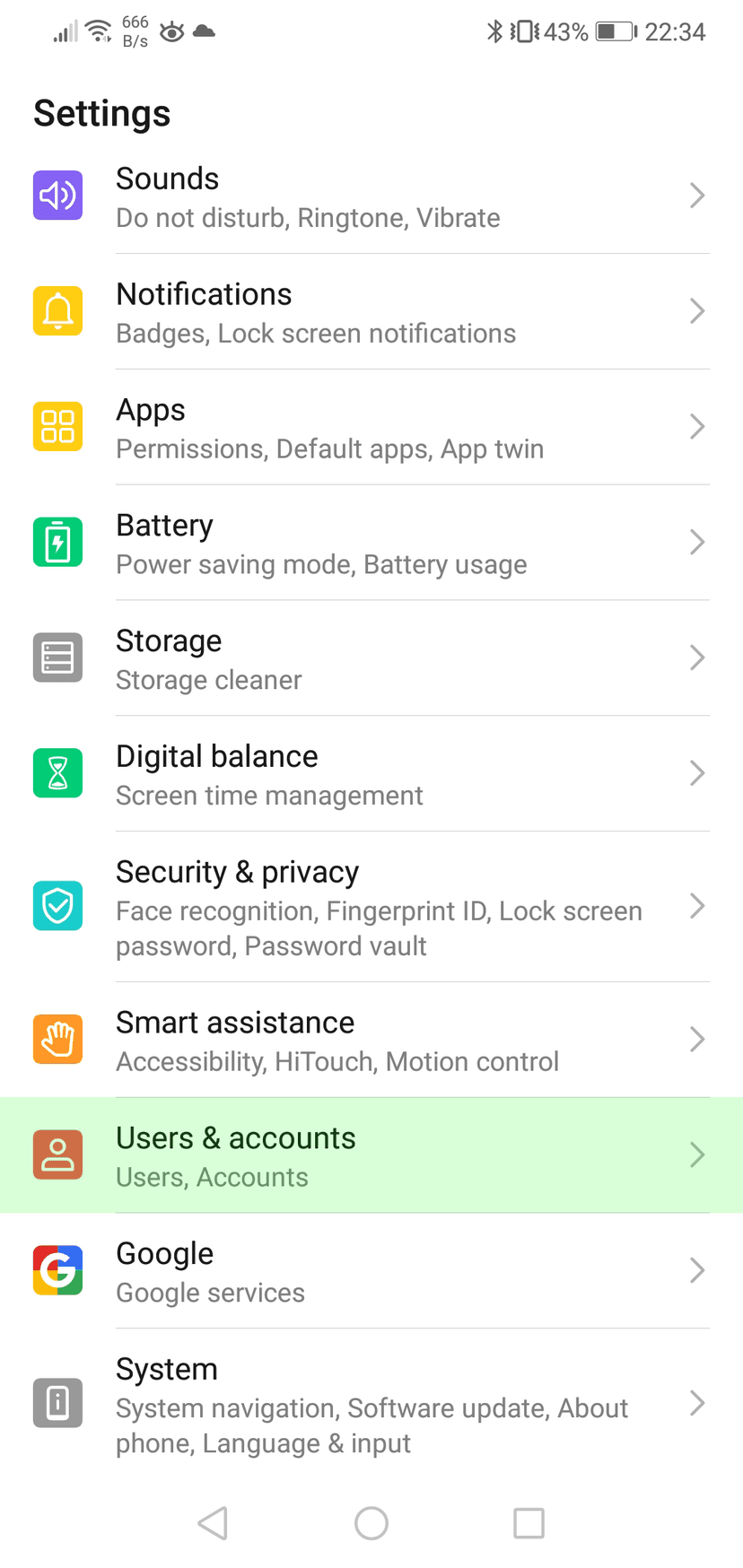
Open uw Instellingen en navigeer naar Gebruikers en accounts
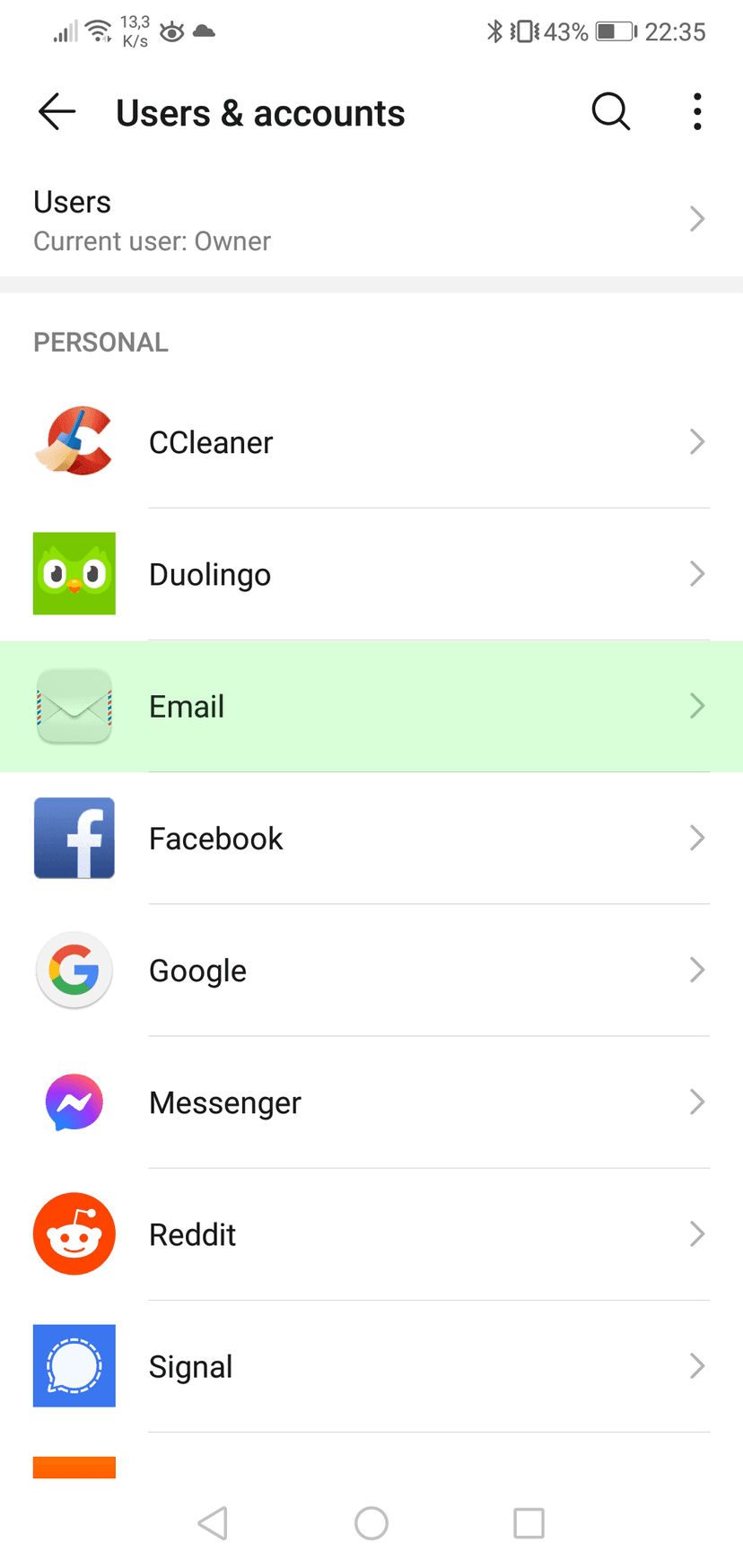
Gebruikers en accounts

Druk op Email
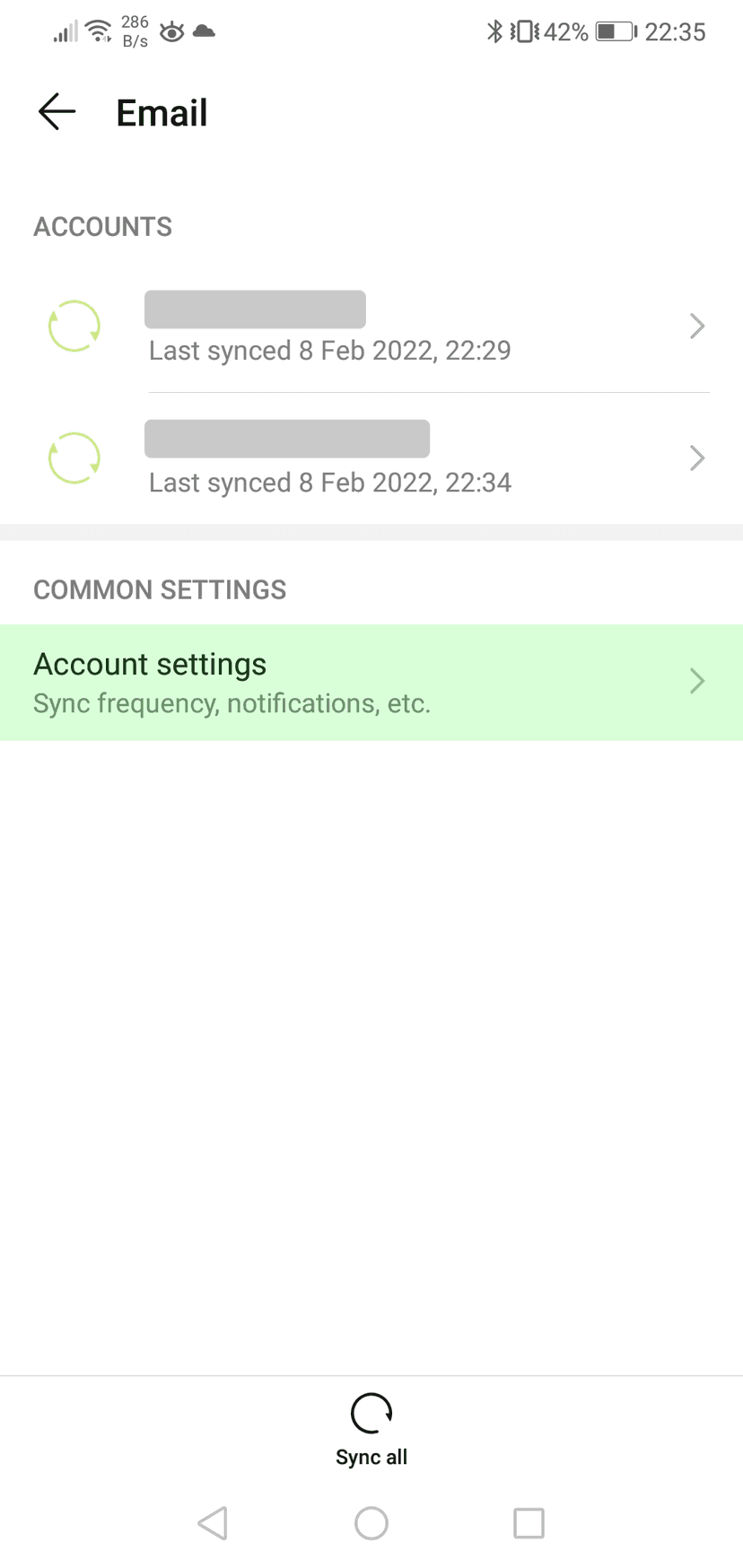
Email
Email

Druk op Account instellingen

Account instellingen

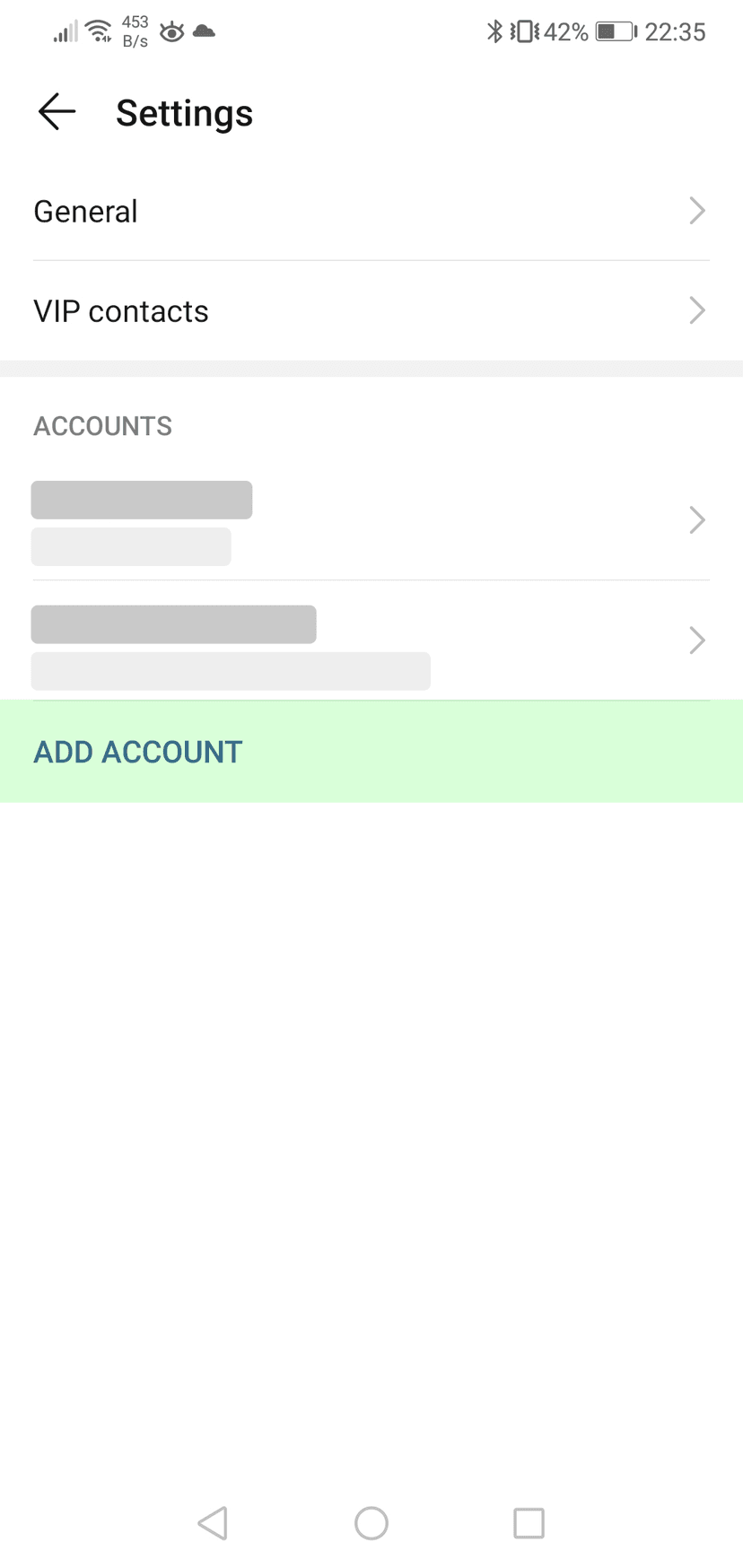
Druk op Voeg account toe

Instellingen
Instellingen

Open uw Instellingen en navigeer naar Mail

Mail
Mail

Druk op Accounts

Accounts
Accounts

Druk op Account toevoegen

Account toevoegen
Account toevoegen

Druk op Andere

Account toevoegen
Account toevoegen

Druk op E-mail account toevoegen

Nieuw account
Nieuw account

Geef uw account een naam en vul het e-mailadres en wachtwoord in


Druk op volgende

Nieuw account
Nieuw account

Vul de instellingen in voor zowel uitgaande en inkomende mail server.
Uw gebruikersnaam is uw e-mailadres


Druk op volgende

IMAP
IMAP

Druk op Opslaan

email_setup_outlook_note

Gebruik de server instellingen hierboven om uw e-mail account handmatig toe te voegen.

email_setup_mailbird_note

Gebruik de server instellingen hierboven om uw e-mail account handmatig toe te voegen.

email_setup_thunderbird_note

Gebruik de server instellingen hierboven om uw e-mail account handmatig toe te voegen.

email_setup_help_title

email_setup_help_subtitle

email_setup_help_cta